Open Today Sales: 9 AM-7 PM
Open Today Service: 6 AM-5 PMOpen Today Express Service Center: 6 AM-5 PM

If the “MAINT REQD” light just popped up on your Toyota’s dashboard, don’t worry — it’s not a warning that something’s broken. It’s a mileage-based reminder that routine service is due. Whether you’re driving a Camry through Temecula, a RAV4 around Murrieta, or a Tacoma through Fallbrook, this guide walks you through what the light actually means, whether it’s safe to keep driving, and exactly how to reset it after service.
The Toyota maintenance required light — often shown as “MAINT REQD” or a small wrench icon, and labeled “Maintenance Required Soon” on newer multi-information displays — is a scheduled-service reminder, not a malfunction warning. Toyota’s onboard system tracks the miles you’ve driven since the last reset, and the light comes on automatically every 5,000 miles to prompt your next routine service.
Unlike more complex oil-life monitoring systems used by some other automakers, Toyota’s MAINT REQD light is a pure mileage counter. It doesn’t measure oil quality, sensor readings, or driving conditions — it simply tells you that you’ve reached the next service interval and it’s time for routine upkeep.
Quick answer: The light means it’s time for your next scheduled service — typically an oil change, tire rotation, and a multi-point inspection. It does not mean your engine has a problem.
This is one of the most common questions Toyota owners have, so it’s worth clarifying:
| Indicator | What It Means | Urgency |
|---|---|---|
| Maintenance Required (MAINT REQD) | A mileage-based service reminder (every 5,000 miles) | Schedule service soon — not urgent |
| Check Engine Light | The vehicle’s diagnostic system detected a fault | Have it inspected promptly |
The MAINT REQD light is preventive. The check engine light is diagnostic. If both are on at the same time, prioritize the check engine light — schedule service at Temecula Valley Toyota to identify the underlying issue.
Yes. The MAINT REQD light by itself is not an emergency. You can continue driving safely while you schedule your service appointment — but don’t put it off indefinitely. Skipping the maintenance the light is reminding you to perform can lead to accelerated wear, reduced fuel economy, and over time, more expensive repairs.
If you’re seeing the maintenance light alongside any other warning indicator — check engine, oil pressure, temperature, brake — that changes things. Get the vehicle inspected before continuing extended trips.
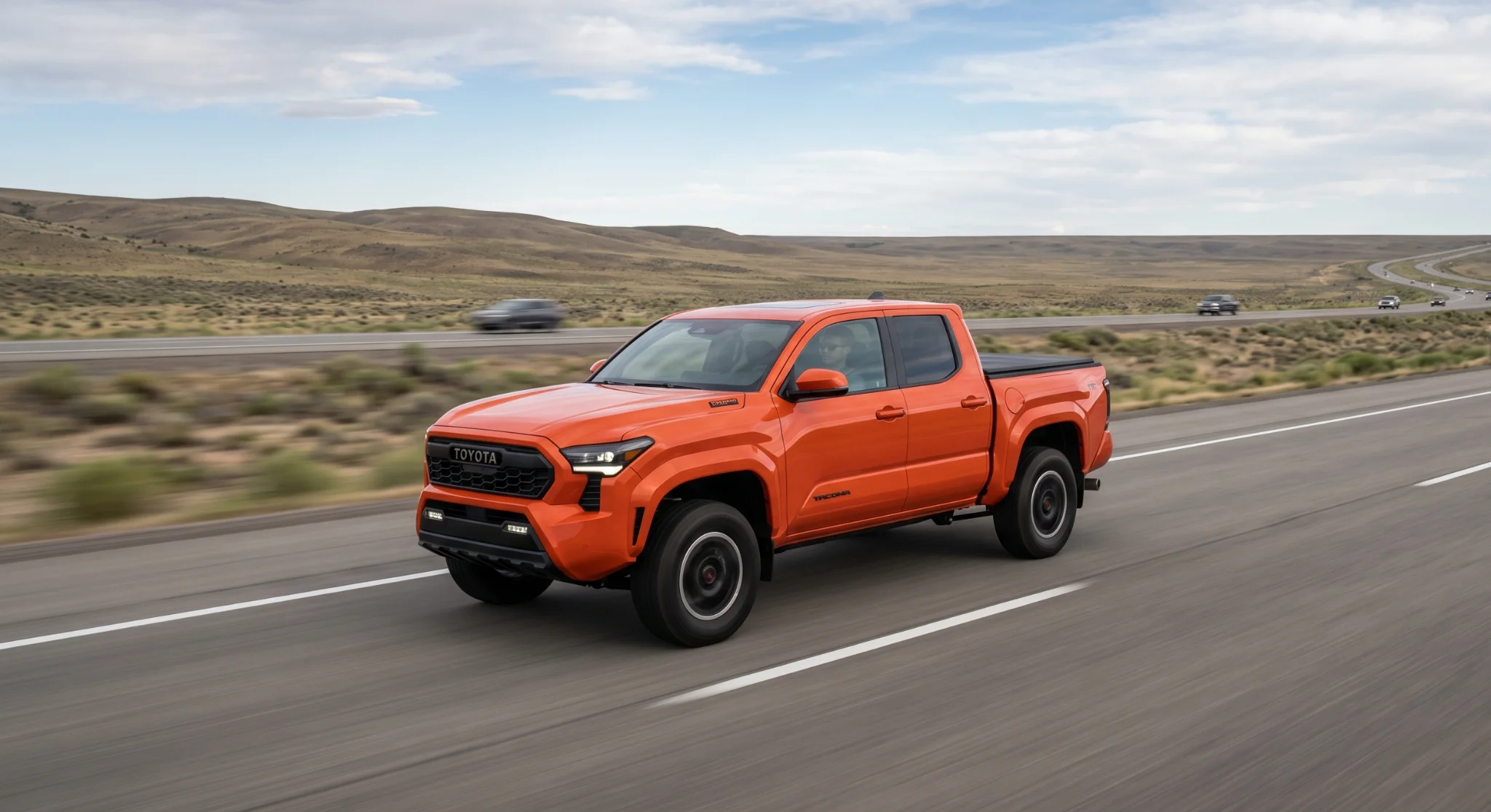
When your Toyota maintenance light comes on, here’s what’s typically included in the corresponding service visit:
Sticking to this 5,000-mile (or six-month, whichever comes first) cadence keeps your Toyota running efficiently and protects your warranty.
View current Service & Parts Specials before your next appointment.
The right reset procedure depends on what kind of instrument cluster your Toyota has. Most Toyotas built through roughly 2017 — older Camrys, Corollas, RAV4s, Tacomas, and Highlanders — use a traditional analog gauge cluster with a trip-meter button. Starting around 2018, Toyota began rolling out color multi-information displays accessed through steering wheel controls, and that’s now the standard across most current models including the Camry, RAV4, Corolla, Highlander, and Tacoma. The good news: both methods are simple, take less than a minute, and require no tools.
If your Toyota has a traditional gauge cluster with a physical trip meter button on the dashboard, use this method:
If the light is still on after one attempt, repeat the process once or twice. If it still won’t clear, schedule service so a technician can take a look.
For newer Toyotas with a color multi-information display in the instrument cluster — common on most recent Camry, Corolla, RAV4, Highlander, and Tacoma models, plus current Prius and Sienna — use the digital menu method instead:
Important: Only reset the maintenance required light AFTER the recommended service has been completed. Resetting without actually performing the maintenance defeats the purpose of the reminder — and can lead to skipped service down the road.
If your specific year and trim has slightly different menu wording, the owner’s manual will walk you through the exact sequence — but the principles above apply across the lineup.
Resetting the maintenance required light by itself does not void your Toyota warranty. What matters for warranty coverage is whether the scheduled maintenance has actually been performed at the manufacturer-recommended intervals. As long as you complete the required services — and keep your service records — resetting the light is a normal part of vehicle ownership.
For the cleanest warranty trail, have your maintenance performed at an authorized Toyota service center like Temecula Valley Toyota, where genuine Toyota parts and OEM specifications are used and your service history is documented.
The MAINT REQD light is a mileage-based reminder that your Toyota is due for scheduled service — typically an oil change, tire rotation, and inspection. It illuminates every 5,000 miles and is not a malfunction warning.
Usually yes — an oil change is the most common service tied to the 5,000-mile reminder. However, if your Toyota uses full synthetic oil and your owner’s manual specifies a longer interval, your actual oil change cadence may extend further. The reminder also covers tire rotation, fluid checks, and a multi-point inspection.
Yes, it’s safe to continue driving briefly while you schedule service. The light is a reminder, not an emergency warning. However, delaying service for an extended period can lead to accelerated wear and reduced fuel economy.
They refer to the same Toyota service reminder. Some models display the abbreviated “MAINT REQD,” while newer models show the full “Maintenance Required” or “Maintenance Required Soon” message on the multi-information display. The meaning and reset procedure are the same.
Most often, the reset sequence didn’t complete — confirm you were on the main odometer display (not Trip A or B) and try again. If the light persists after two or three attempts, schedule service at Temecula Valley Toyota so a technician can diagnose the issue.
If your maintenance required light is on — or if you’re ready to stay ahead of the next service interval — the Temecula Valley Toyota service team is here to help. Our certified technicians service Toyotas from across the Inland Empire and North County, including Temecula, Murrieta, Menifee, Fallbrook, Lake Elsinore, Canyon Lake, Wildomar, Winchester, and Sun City, using genuine Toyota parts and factory-recommended procedures.
Call our Service team at (951) 319-7903 or use the buttons below to get started.
Disclaimer: This guide is for general informational purposes only. Reset procedures, maintenance intervals, and service requirements vary by model, year, and trim — always refer to your Toyota owner’s manual for the procedures specific to your vehicle, and consult a certified Toyota technician if you’re unsure. Vehicle warranty coverage is subject to the terms and conditions of your specific Toyota warranty. Following Toyota’s recommended maintenance schedule using genuine Toyota parts at an authorized service center helps maintain warranty eligibility, but warranty terms, exclusions, and claim outcomes are determined solely by Toyota Motor Sales, U.S.A., Inc. Temecula Valley Toyota does not warrant, guarantee, or assume responsibility for warranty determinations. For complete warranty details, refer to your Toyota Warranty & Maintenance Guide or contact our service team.
Toyota is taking a multi-pathway approach to vehicle electrification. The lineup spans hybrids, plug-in hybrids, and battery-electric models. Rather than commit to a single powertrain design, Toyota lets drivers choose the level of electrification that fits how they actually drive. Our showroom at 26631 Ynez Road in Temecula, CA 92591 is the local hub for…
Everyday driving puts your tires and wheels in the path of debris you cannot plan for. Toyota Tire and Wheel Protection is an optional, cancelable vehicle protection product offered through Toyota Financial Services. It covers repair or replacement when an eligible road hazard leaves a tire unable to hold air, or leaves a wheel unable…
Many drivers want to burn less fuel without giving up long road trips. Toyota plug-in hybrid electric vehicles (PHEVs) solve that problem by pairing a large battery with an efficient gasoline engine. For families in Murrieta and Temecula, a typical day means school drop-offs and local errands. A vehicle that covers those errands on pure…